Unleash the power of Peel 3D for reverse engineering.
Complete Scan-to-CAD suite
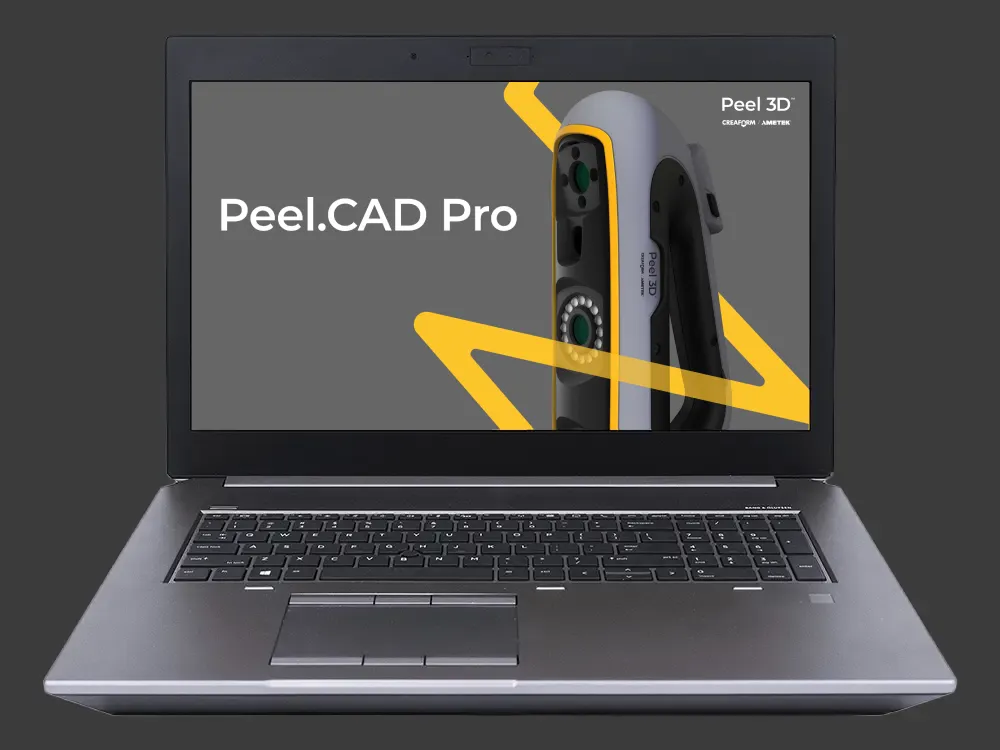
Peel.CAD Pro is professional, fully integrated reverse engineering software designed to elevate your 3D scanner’s capabilities. Included with your Peel 3 Pro.CAD system at no extra cost, this comprehensive platform bypasses simple data bridging to offer a complete Scan-to-CAD ecosystem. Sketch, model, and analyze within a single workspace, and transfer your entire parametric history (timeline operations) directly into SolidWorks.
Step-by-Step Workflow:
1. Clean & align: Prepare your 3D scan for reverse engineering with intuitive cleanup tools and a streamlined coordinate system that makes alignment simple and precise.
2. Modify mesh: Refine your mesh using versatile options to fill holes, smooth out surfaces, remesh, resize, and edit boundaries.
3. Geometrical entities: Easily extract geometric shapes for alignment or conversion. Use the Quick Entities function to segment meshes for rapid extraction.
4. Sketching: Draw sketches using dimensions, constraints, and snapping tools. Leverage auto-sketching to capture design intent quickly and accurately.
5. Surfaces: Convert freeform organic regions or entire parts into CAD-ready NURBS surfaces using automatic functions, single patches, or manual tools.
6. Modeling: Turn 2D profiles into editable 3D solids through extrusion, trimming, and boolean operations, speeding up the entire design workflow.
7. Compare: Analyze your 3D solid model against the original scan data with real-time deviation color maps to identify unfinished details and ensure accuracy.
8. Export CAD or transfer timeline: Save your final model in formats like STEP, IGES, or STL, or transfer the complete modeling timeline directly into SolidWorks.
Key Features of Peel.CAD Pro
Quick Entities
Reconstruct planes, cylinders, spheres, and surfaces with precision using advanced automatic mesh segmentation.
Auto-Sketch:
Trace key geometric profiles like lines and arcs automatically with tangent constraints and custom deviation tolerances.
Multi-Constraint
Apply all necessary constraints to your sketch design simultaneously with a single, streamlined constraint tool.
Real-time Deviation (Compare)
Utilize real-time color-mapping to visualize surface differences between your CAD geometry and the reference scan.
Timeline Transfer
Directly transfer your complete parametric modeling steps as a native feature-tree into SolidWorks.
Minimum requirements
You are interested in our 3D scanning solution, but you are wondering if your hardware and software are powerful enough to run and sustain them?
You’ll find below the minimum system requirements you need to ensure optimal operation of the Peel 3D measurement solutions.
Minimum requirements
Recommended specifications
Processor (1)
Intel Core i7 (6+ cores) – 2.3 GHz or more
Intel Core i7 (8 cores) – 2.5 GHz or more
Operating System (2)
Windows 10 (64-bits) or Windows 11 (64-bit) (3)(4)
Graphics Card (5)(6)
NVIDIA (6 GB VRAM)
OpenGL 4.5 and higher,
CUDA Compute Capability 6.1 (7)
NVIDIA RTX 3070 (8GB VRAM)
OpenGL 4.5 and higher
Memory
16 GB
32 GB
Hard Drive
Solid-state drive (SSD) with at least 200 GB of free space
512 GB SSD
Display
1920 x 1080
Connecting Ports
1x USB 3.0+
2x USB 3.0+
Don’t have a Peel 3D scanner yet?
Professional-grade 3D scanning is within reach!!
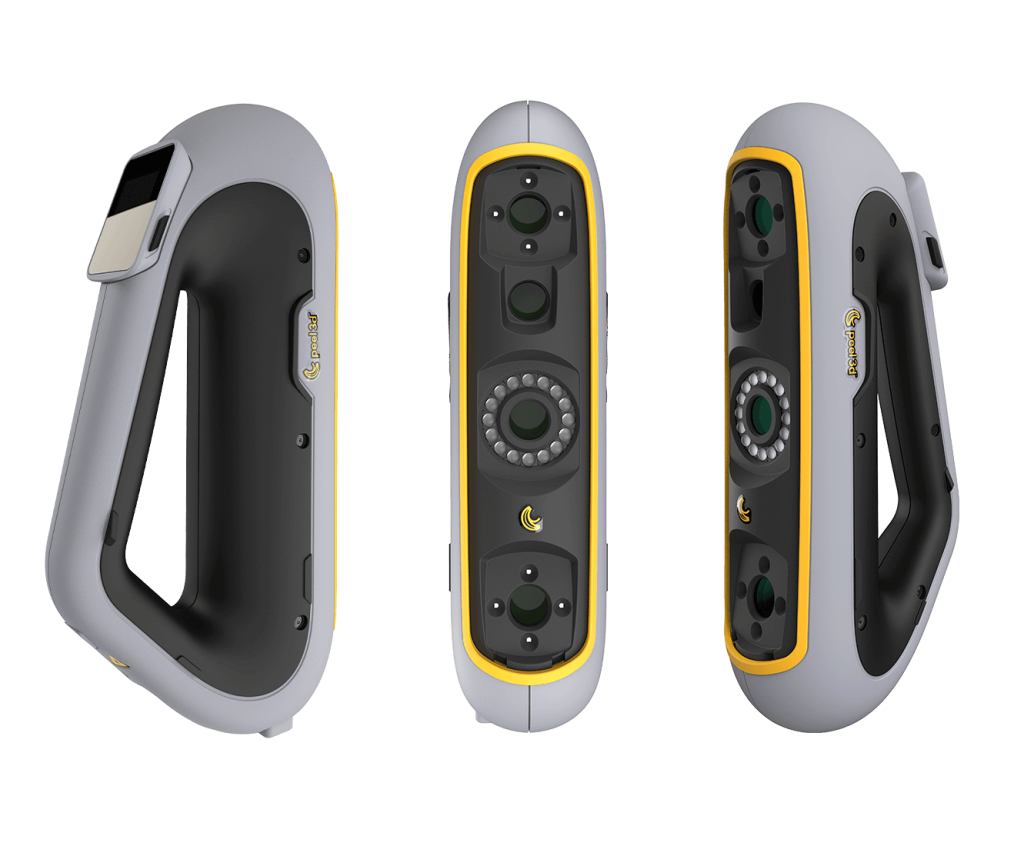
If you are looking for turnkey 3D scanners and 3D scanning software that combine performance, ergonomics and affordability, it’s time to consider Peel 3D.

 English
  Slovenian
 Serbian