Effortless and powerful 3D data extraction for CAD
Included with Peel 3.CAD scanner
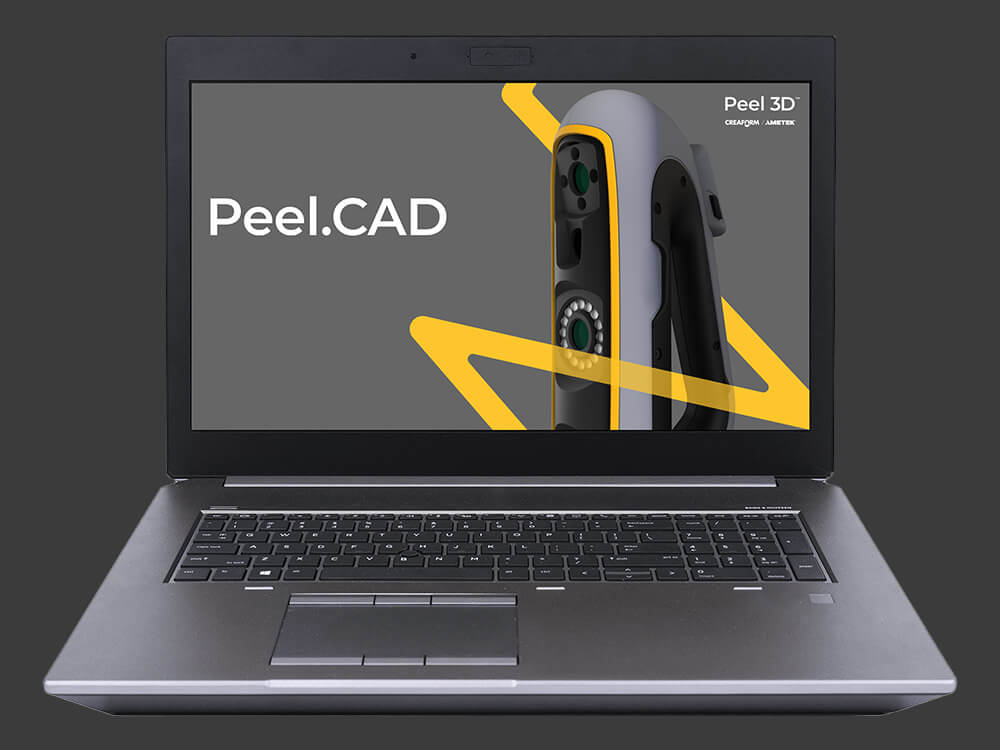
Peel.CAD is specialized reverse engineering software permanently included with your Peel 3.CAD scanner. It serves as a seamless, high-efficiency bridge connecting your physical objects to your preferred CAD software. Extract vital geometric entities from point clouds instantly, optimize 3D meshes, and prepare your scan files for further parametric design with zero friction.
Step-by-Step Workflow:
1. Geometrical entities: Easily generate precise cylinders, planes, spheres, and cones onto your mesh to either send to CAD or use for advanced alignment.
2. Cross-sections: Use virtual cutting planes to slice through your 3D mesh and accurately extract the profiles of any cross-sections you need.
3. Surfaces: Smoothly transform a specific section or your entire captured part into a surface model that is instantly usable inside CAD software.
4. Advanced improve: Take advantage of professional cleanup tools to fill holes, smooth rough patches, remove spikes, and edit boundaries effortlessly.
5. Advanced edit: Extend contours, create offsets, remesh data, and turn your model completely watertight before moving on to the next phase.
6. Direct transfer to CAD: Send all the geometric features you have created using your scan as a reference straight into your external CAD suite in a single click.
Key Features of Peel.CAD
Fill
Extend your captured surfaces to easily patch areas you missed or couldn't catch on the first pass.
Align
Combine several independent scan files into a single, highly detailed cohesive object.
Merge
Properly position your scan in 3D coordinate space for seamless downstream engineering.
Colorize
Effortlessly polish away unwanted dents, bumps, or noise from the captured surface.
Decimate
Minimize the triangle count to keep your files exceptionally lightweight without losing essential detail.
Smooth
Apply real-world captured color during the scanning process to output crisp, vibrant textures.
Geometric Entities
Seamlessly fit the most useful shapes (planes, cylinders, cones) directly over your 3D scan mesh.
Cross-Sectioning
Virtually slice your mesh with custom planes to isolate and extract precise feature curves.
Surface Fitting
Automatically or manually fit high-quality surfaces onto complex physical geometries for engineering purposes.
One-Click Transfer
Cleanly move all extracted reference geometry directly into your favorite external CAD platform.
Minimum requirements
You are interested in our 3D scanning solution, but you are wondering if your hardware and software are powerful enough to run and sustain them?
You’ll find below the minimum system requirements you need to ensure optimal operation of the Peel 3D measurement solutions.
Minimum requirements
Recommended specifications
Processor (1)
Intel Core i7 (6+ cores) – 2.3 GHz or more
Intel Core i7 (8 cores) – 2.5 GHz or more
Operating System (2)
Windows 10 (64-bits) or Windows 11 (64-bit) (3)(4)
Graphics Card (5)(6)
NVIDIA (6 GB VRAM)
OpenGL 4.5 and higher,
CUDA Compute Capability 6.1 (7)
NVIDIA RTX 3070 (8GB VRAM)
OpenGL 4.5 and higher
Memory
16 GB
32 GB
Hard Drive
Solid-state drive (SSD) with at least 200 GB of free space
512 GB SSD
Display
1920 x 1080
Connecting Ports
1x USB 3.0+
2x USB 3.0+
Don’t have a Peel 3D scanner yet?
Professional-grade 3D scanning is within reach!!
If you are looking for turnkey 3D scanners and 3D scanning software that combine performance, ergonomics and affordability, it’s time to consider Peel 3D.

 English
  Slovenian
 Serbian